juggling hard drives

July 2nd, 2009

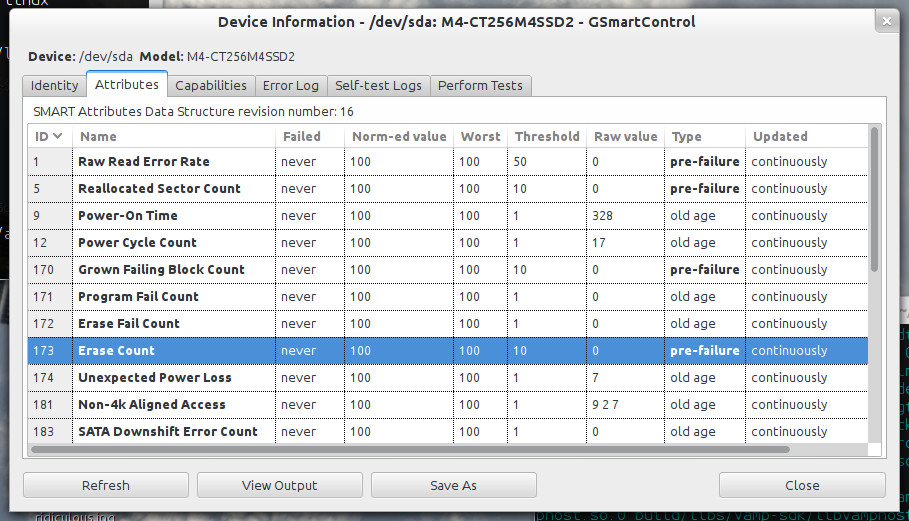
I finally managed to lose a drive on my TV box — one of the old IDE 250GB drives bit the dust the other day. I’d drop in a replacement, but getting an IDE drive isn’t the easiest thing to do, and the box is out of SATA ports. So, instead, I’m going to build a new array, out of two 1TB drives and the two 500GB drives from the current array.

The whole setup is a bit convoluted, but it works quite well. The current array is actually two arrays of 4×250GB drives: each uses two 250GB drives, and two 250GB partitions on a pair of 500GB drives. I’ll be using the same approach with the new setup, with two 3×500GB arrays but getting from A to B is going to take some doing:

* thoroughly test the new drive and make sure it’s working 100%
* set up the two 1TB drives on my desktop box as a degraded three-drive RAID-5 array
* set up the arrays and LVM setup on the new drives
* copy everything from the TV box to the new drives over the network (yay rsync!)
* take all the drives out of the TV box and replace them with the two new drives
* fiddle things until the TV box boots from the new drives
* throw the two 500GB drives back in and add them to the arrays and let the arrays rebuild

That should about do it :)

mobile music machine

June 28th, 2009

I’ve been playing with the new laptop a bit more this weekend; I installed Steam under Vista and got my Steam games copied over, played some Plants vs Zombies under Wine, and while I’ve so far had no luck getting Mac OS X running in a VM, XP is just fine, as you’d expect.

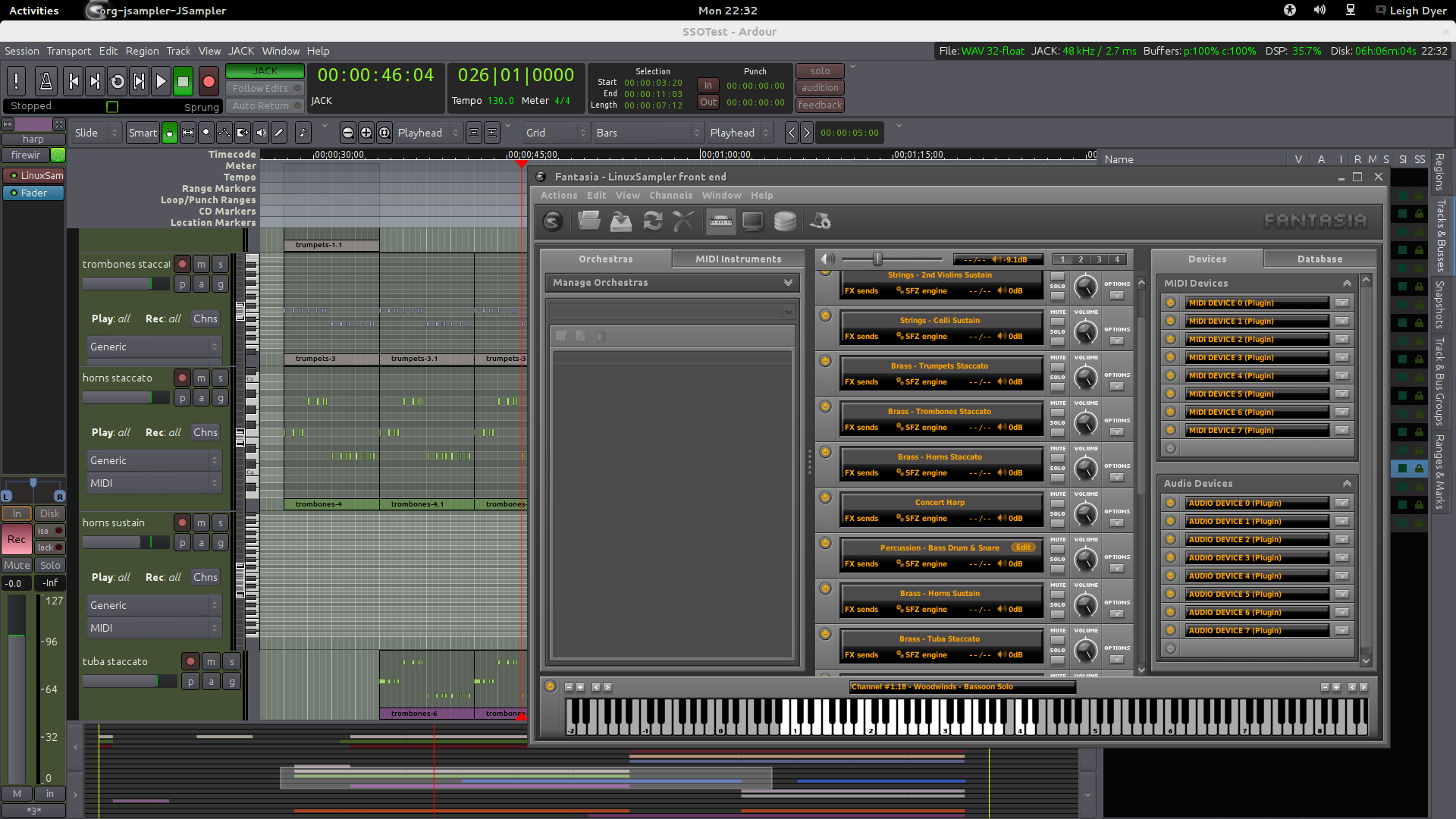
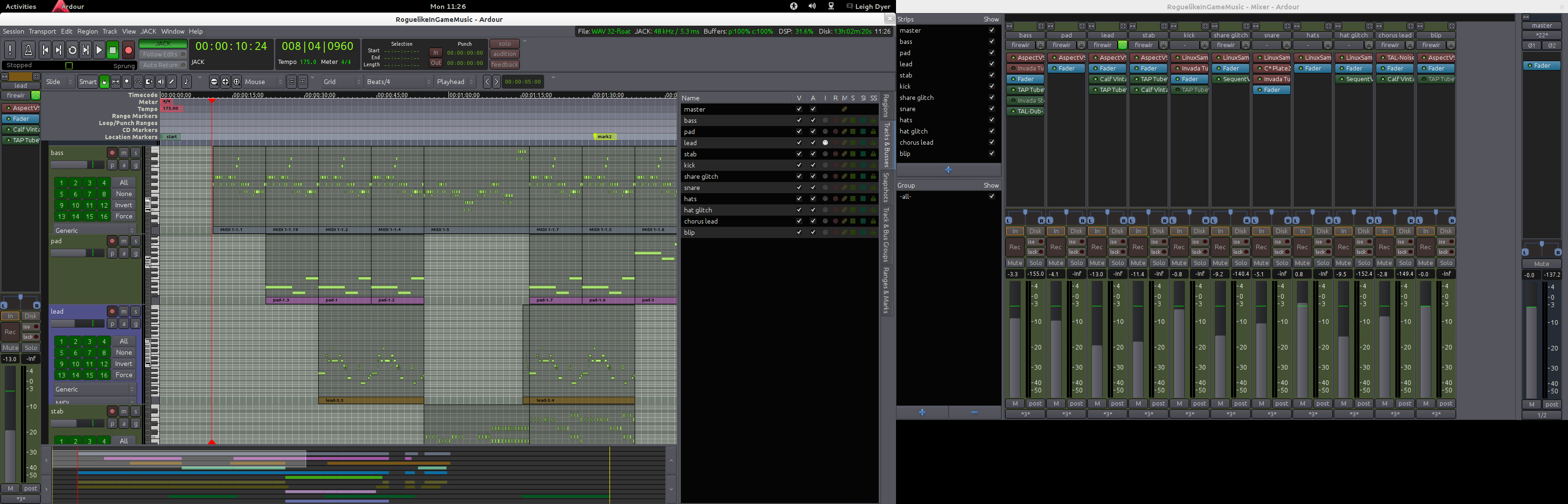
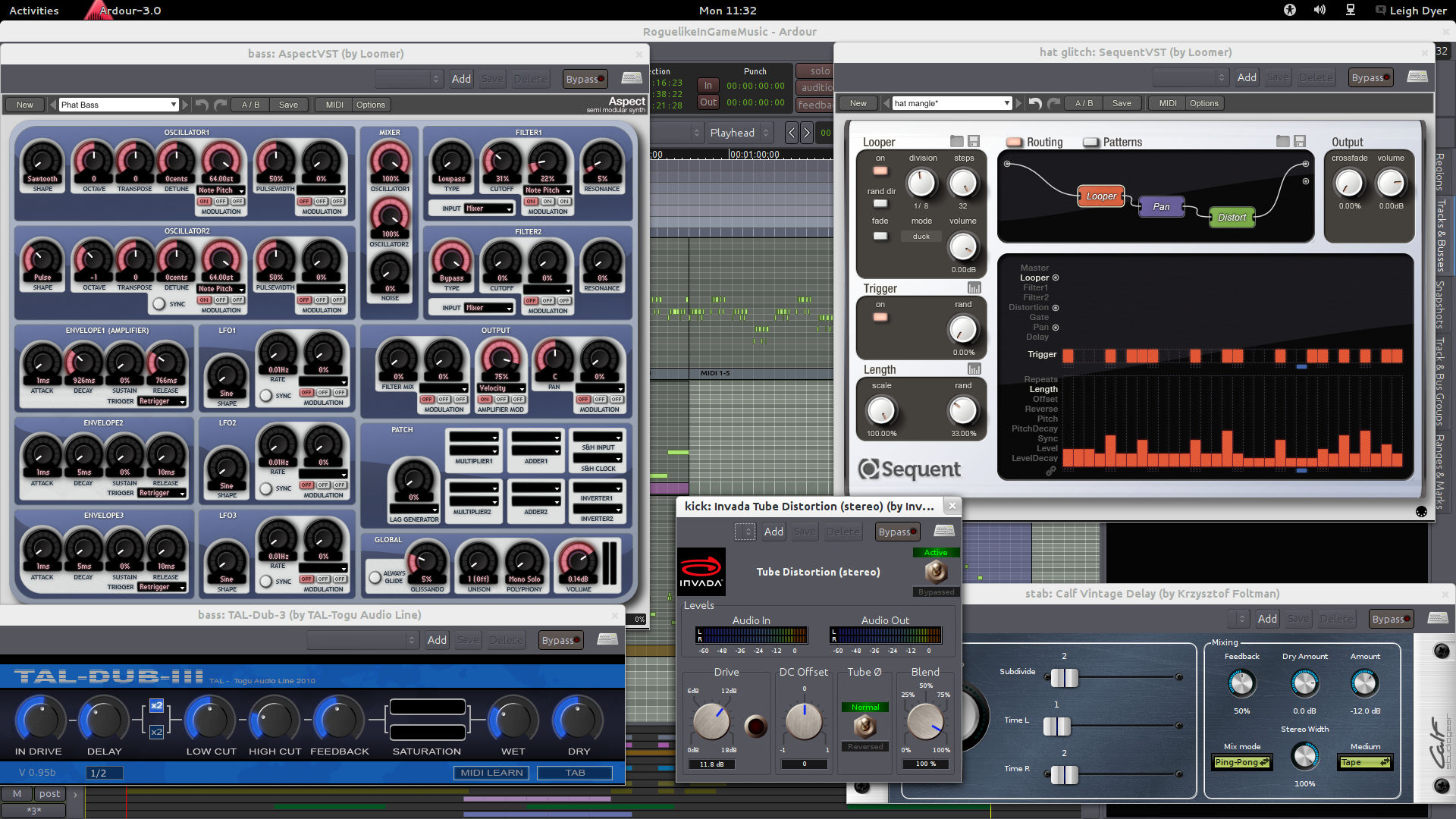
I’ve also installed some of my usual array of music-making tools: Hydrogen, Ardour, a whole pile of effects plugins, and some soft-synths. I tried getting a music setup running on the old Mac, but JACK refused to co-operate with the on-board audio, throwing xruns even with very conservative latency settings. I never did find the cause — I assume it was a driver issue — but for whatever reason, those same drivers work beautifully on the new laptop, running down to about 8ms of latency without a problem. With a good whack of CPU power, this thing should make a great portable music machine.

OF course, I could’ve built a music setup on the old machine under OS X, but it didn’t seem to cater terribly well to an intermediate user like myself: GarageBand seems a bit like a toy, and I don’t have hundreds of dollars to splash out on a decent DAW and a set of plugins. Besides, I’m used to working with the Linux tools now, so I might as well stick with them.

switching sides

June 25th, 2009

Is Apple the “light side” or the “dark side” these days? I’ve lost track, but either way, today was New Laptop Day at the office for me, and after six years of rocking a Mac laptop, I’ve switched back.

The machine I’ve switched back to is a Dell Latitude E6400, and it’s not entirely unlike the MacBook Pro it replaces — it’s quite small and light for its 14.1″ screen, has a great (matte!) screen, and a metal housing. The keyboard’s perhaps the best I’ve ever used on a laptop, and the whole thing feels very solid and looks surprisingly good in an understated, businessy way.

There are some nice little touches, too. It’s nice to have a tray-loading DVD drive again after years of clunky, noisy, unreliable slot-loaders, for instance. There’s a DisplayPort port, but there’s also plain old VGA, so I don’t have to fiddle with adapters to plug it in to current displays/projectors. There are four USB ports, one of which doubles as an eSATA port, and another of which can be configured to charge connected USB devices from the laptop’s battery, even when the laptop is off; the BIOS lets you set a threshold on how low this feature is allowed to run the battery down.

I’m of course running Ubuntu on it, and it’s significantly better as an Ubuntu machine than the MacBook Pro was, mainly due to the trackpad. It’s not as nice as the Mac’s, and it lacks that fancy two-finger scrolling, but it does have three physical mouse buttons, and it’s much less likely to be triggered by my palms while I’m typing. Every piece of hardware I’ve tested so far has worked out-of-the-box. The Intel video that I opted for isn’t super-fast, but it’s enough for World of Goo, and it does a great job of handling external displays on-the-fly, which NVIDIA still hasn’t implemented.

So far, then, I’m very happy with my switch back. Time will tell if I end up missing the shiny Mac hardware, or Mac OS X, but so far, it’s not looking likely.

thoughts that move

June 1st, 2009

I’ve been listening to a rather interesting album this morning — Thoughts That Move, by a Brisbane artist that goes by the name of Hunz. It’s interesting for a number of reasons:

  • It’s free to download
  • It’s really rather good, if you like electro-pop-type-stuff
  • It was recorded during February for the RPM Challenge
  • It was produced using Renoise, a modern tracker, and Hunz has posted the Renoise files online for anyone to download and check out

All of my early music was made on a tracker (the legendary OctaMED SoundStudio on my old Amiga), so I’ve been meaning to check out Renoise for a while, especially as it’s one of the few commercial music apps available for Linux. I think I’ll definitely be giving it a spin now.

woo, distortion

May 28th, 2009

Now that I’ve got one track out the door, it’s time to move on to the next, and the plan for that is to get as far away from the clean and somewhat cheesy sound of “atlantis”. I certainly don’t have anything concrete yet, but I’ve experimented with running various drum sounds from Hydrogen in to a range of distortion effects, including overdriven tube amp/preamp simulations, my old sample-rate-reducing favourite, the Decimator, and the rather awesomely named Barry’s Satan Maximiser, which is some sort of crazy compressor.

Hydrogen can be configured to send each drum to a separate JACK output, rather than just using a single master output, so I’ve routed the various drums in to three separate Ardour tracks: one for the kick, one for snares/toms, and one for hats/cymbals. This setup lets me control the types and amounts of effects on those groups of drums separately and listen to the results in realtime, so I can just put Hydrogen on repeat and tweak away until I’m happy.

For other parts, the Blofeld should be perfect, as one of my old sketches will attest. It can create some crazy sounds from scratch (using FM with the noise source or a wavetable oscillator is always good), or distort even the simplest sounds to hell and back with the drive curves on the filters.

new track update: it’s really finished this time, honest

May 23rd, 2009

My new track is officially done! I’ve named it atlantis, after the Shuttle that’s currently on its way back from the final Hubble servicing mission. I’ve polished it quite a bit over the last week, and I’m now pretty happy with the results.


atlantis: 3 minutes 54 seconds

new track!

May 15th, 2009

I said I’d have this track done by the end of the week, and here it is! If anyone wants to have a listen and give me some feedback, that’d be great. It’s a synthpop-kinda thing, a little reminiscent in my mind to early 90s video game soundtracks. I don’t have a name for it yet, so I’m calling it a sketch, but it’s definitely a finished track (though I reserve the right to revisit it later).


20090514: 3 minutes 55 seconds

*surprised look*

May 14th, 2009

I actually found something that Ardour can’t do last night — send level automation. In the track I’m working on at the moment I replaced all the individual reverb plugins on each track with sends to a bus running a single reverb effect, and it works very well, but there’s no way to automate the level of a send. At least I can get around it if I want by adding a new bus for each track that needs the automation, but given Ardour’s otherwise excellent automation features, it was a surprising omission.

songbird

May 12th, 2009

Songbird is an interesting creation — the result of cross-breeding an iTunes-style music player with a modern web browser. It’s based on the Mozilla XULRunner platform (you can essentially read that as “it’s based on Firefox”), and that’s probably partly responsible for its lust for resources (while running, it likes to use ~30% of one CPU on my laptop), but you’d be surprised just how useful it can be to have the power of a web browser in your music player.

There’s perhaps no better example than the mashTape extension. It appears as a bar along the bottom of the Songbird window, and when you play a track, it automatically pulls in related information from all over the web: artist info and a discography from last.fm and Wikipedia, photos from Flickr, videos from YouTube, reviews from Amazon… you get the idea. The LyricMaster extension pulls in lyrics in much the same way.

The other really neat example, which I only just discovered, is website streaming. Just like in Firefox, you can hit Ctrl-T in Songbird to open a browser tab, and while I wouldn’t use it for general browsing, it’s very handy if you have a page that’s full of links to MP3s. When you open such a page, Songbird detects the links and lists them in a playlist panel at the bottom of the window, where you can play them using the standard Songbird controls, or download them to your library with a click. It even fetches the tags from the files in the background, so while it only lists filenames at first, it soon fills in the full details.

As you’d expect, Songbird also has quite complete last.fm support — it’ll scrobble your tracks for you, and also give you access to your streaming radio. If you’re a music junkie, and you’re not wedded to your current player, Songbird is definitely worth a look.

sketchbook: comin’ atcha live!

May 4th, 2009

Here’s some generic electronic stuff — it’s listenable enough but it’s hardly exciting. I had fun making it though, because it was recorded live in a single take. The other week I watched Moog, a documentary about the humble engineer that changed the face of music, and his remarks about music becoming an increasingly solo, recorded affair got me thinking about the idea of performing, rather than producing, music.

This, then, is a combination of some pre-programmed loops and some live performance, choreographed live using seq24, a simple sequencer that’s designed for live use, much like a hardware sequencer or drum machine.


20090504: 4 minutes 3 seconds

cracking some covenant sounds

April 22nd, 2009

When I’m listening to music these days I often think about how the sounds in it are produced, especially electronic sounds, but one had me totally baffled — the cold distorted chime-kinda-thing at the start of Covenant’s Winter Comes. I’ve been trying to reproduce it for a while now, but I think I cracked it tonight. Because it’s almost a clang-like sound I was thought it would be a job for FM or the ring modulator, but as it turns out, it’s carefully filtered noise. Noise has no real pitch, but by cranking the filter resonance to self-oscillation and then having the filter track the keyboard, you can use sculpt noise in to distorted, but pitched, sounds.


20090422: 9 seconds

even more boards of canada

April 12th, 2009

Yet another crack at my Sixtyniner cover tonight. I tweaked a few things, but the big change is the drums — they’re still not quite right (the kick in particular isn’t quite right), but they’re a lot better than they were, and I used the “Decimator” plug-in to give them bit of an old-school sampler feel by dropping the sample rate to 32Khz/12-bit.


20090411: 1 minute 54 seconds

braid is out for the PC

April 12th, 2009

Everyone (well, most people) that missed out on Braid due to its initial release on the Xbox 360 can now rejoice, because the PC version has just been released! As you’d expect, it’s a digital download from the usual places, including Greenhouse, Impulse, and Steam, priced at $US15. Braid is a wonderfully clever, beautiful, and moving game, and — dare I say it — an important game, since it pushes gameplay and storytelling in ways that only a small, independent title can. For those reasons and more, Braid was, in my opinion, 2008’s finest game.

It’s also worth mentioning that the PC version works fine under Wine on Linux — it didn’t go full-screen for me, but apart from that it seemed flawless. There’s a Mac port on the way, too.

more boards of canada

April 10th, 2009

Good Friday is such an odd, quiet day, so I spent some time expanding on yesterday’s sketch — now it’s basically a cover of the first two minutes of Sixtyniner. A few of the background details are missing, and the drums aren’t quite right, but the rest of it sounds pretty close to the original to me.

I haven’t done many covers in the past, but they’re an interesting exercise — reverse-engineering a track like this is a great way to practice my synth skills, and by learning how other people make music, I can discover tricks and techniques that might help my own music in the future.


20090410: 1 minute 54 seconds

that whole gaming thing (or: woo, zelda!)

April 10th, 2009

I haven’t been gaming much lately, beyond my Saturday Gears of War matches, which are basically social events, but I’ve been back in to it this week, and on the Wii of all things. I have both Dead Space and Mirror’s Edge sitting there, ready to play (and have had for a few months now), but the game that’s taken my fancy is the only 3D Zelda game I haven’t played — Majora’s Mask — which finally arrived on the Virtual Console last week.

Majora’s Mask is definitely the strangest Zelda game I’ve played, with the game’s core mechanic — a series of masks that transform Link, giving him unique abilities — almost paling in comparison with it’s secondary mechanic, a fixed 72-hour clock (about an hour in game time) that controls the game world and it inhabitants. You have to save the world within those 72 hours, but by using the Ocarina or Time, you can warp yourself through time and relive those hours as many times as you need to.

Beyond the fact that, like most PSX/N64-era games, its graphics haven’t aged well (though I’m not too fussed about that), my only issue with Majora’s Mask is with its save system. You don’t get any opportunity to save your game until about an hour and a half in, and after that, you save primarily by resetting the clock to 0, which saves any major achievements, but drops you back at the hub world and reduces your bank balance to 0. There’s an alternate system of savepoints, but I’ve only found one so far, so I’m not sure how widespread they are. Saving has never been ideal in Zelda games, though — most drop you back at the start of the current dungeon when you load, which isn’t conductive to short play sessions — so I’m sure I can deal with it.